bdjl68 Deposit Guide: Cash In From Your Phone
After this page you will know which app to open, what goes into the reference box, how long the money takes, and what to do when a transfer leaves your wallet but never reaches your balance.
In this guide
This bdjl68 deposit guide covers the whole cash-in loop in one place: which app to open, what to type into the reference field, how long the money takes, and what to do when a transfer leaves your wallet but never arrives. Deposits start at ৳100 and normally reach your balance in about 5 minutes. Read it once and you can skip live chat next time.
Everything below runs through the same four routes: bKash, Nagad, Rocket and bank transfer. The amounts, times and limits quoted here are the ones the cashier shows today.
Three checks before you send anything
Money moves between wallets that belong to a person, not to a username. Before your first transfer, confirm that the bKash, Nagad or Rocket number you will pay from is registered in your own name. A payment from a friend's wallet usually needs a manual review, and that is the slowest kind of problem to fix.
Second, watch the reference. The cashier screen shows a merchant number and a short code. Copy both instead of typing them by hand. One wrong digit and the deposit sits in a queue until somebody matches it manually.
Third, check the wallet balance before you press send. The amount plus your operator's cash-out charge has to fit. A ৳100 transfer from a wallet holding exactly ৳100 can fail, and the charge may still come off.
Keep the confirmation SMS until the balance moves. It carries the transaction ID, which is the first thing our team will ask you for.
Four ways to move money into your account
All four start from the same cashier page inside your account. What changes is the app you open and the time the money spends in transit.
- bKash
- Nagad
- Rocket
- Bank Transfer
The deposit side is quick on every route. Withdrawals take longer because each request is checked before it is released, and the first one on a new account goes through an extra review that can add about an hour.
If your wallet is new, start with bKash or Nagad. The merchant number and the code fit on one screen and the whole thing takes under a minute. Bank transfer is the better fit when you want to move an amount that a wallet will not allow in a single transaction.
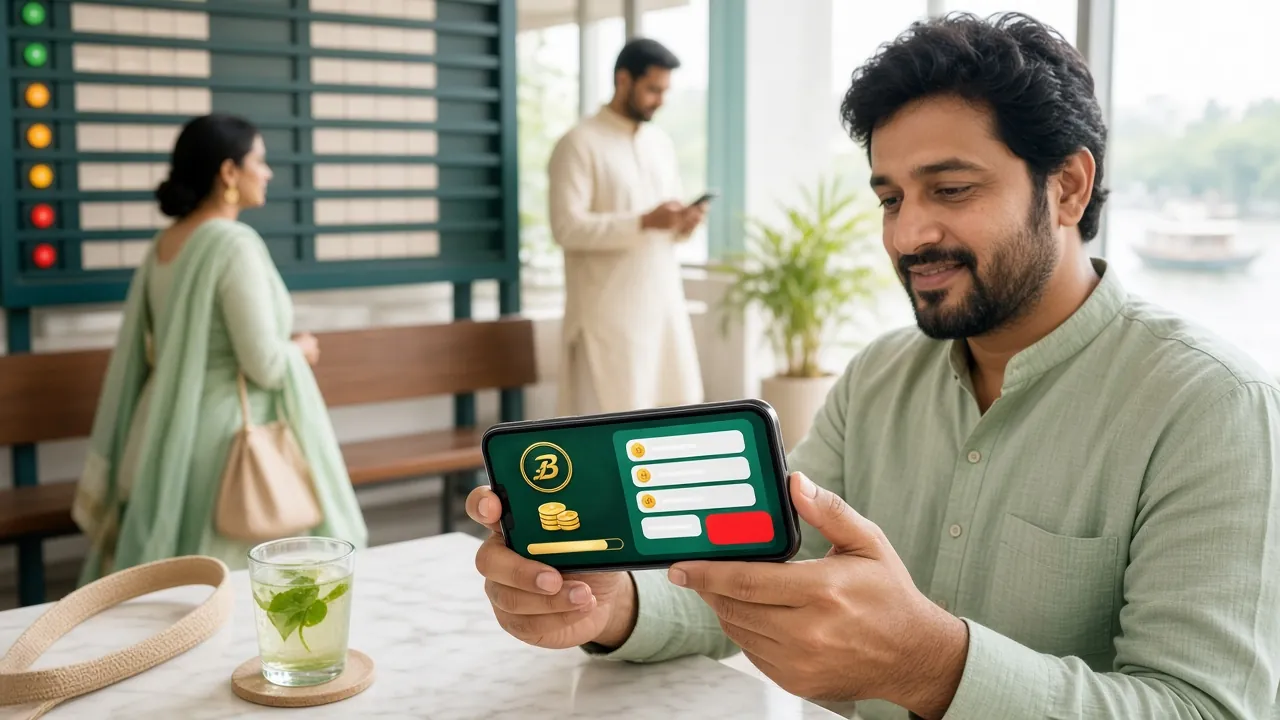
Send money with bKash, step by step
bKash is the route most players in Dhaka and Chattogram reach for, simply because more shops and more phones carry it. These five moves are the same in the mobile browser and in the app.
- Sign in and open the cashierLog in, then tap the balance button at the top of the lobby. The cashier opens on the deposit tab.
- Choose bKash and set an amountType any figure from ৳100 upward. The screen shows the bonus that applies before you commit to anything.
- Copy the number and the codeBoth appear on the next screen. Leave the page open, because the code is tied to that session.
- Send the money from your walletOpen bKash, choose Send Money, paste the number, enter the same amount, and paste the code into the reference field rather than the message field.
- Come back and confirmReturn to the cashier and press confirm. The balance updates within about 5 minutes and a receipt appears under history.
If the cashier closes before you confirm, the transfer still exists on your wallet side. Open the deposit tab again, pick the same method and enter the transaction ID from the SMS. Support can attach the payment to your account with that number alone.
Nagad, Rocket and bank transfer in practice
The other three routes follow the same logic, with a few differences worth knowing before you send.
Nagad from the same handset
Open Nagad, choose Send Money, and paste the merchant number shown in the cashier. Enter the amount and approve the request with your PIN. Nagad sometimes pushes a confirmation prompt inside the app instead of sending an SMS, so keep it open until that prompt appears and clears.
Rocket and its longer number
Rocket account numbers run longer than bKash and Nagad ones, which makes hand-typing risky on a small keypad. Copy the number in full and paste it. The rest is familiar: send money, enter the amount, confirm with the PIN, then return to the cashier and press confirm.
Bank transfer for bigger amounts
Bank transfer suits deposits well above what a wallet allows in one go. Use internet banking or the branch counter, put the reference code in the narration field, and expect the credit to follow the banking day rather than the clock on your phone. A Friday or Saturday transfer usually clears on the next working day.
One rule applies to all four: the name on the sending account should match the name on your bdjl68 account. A mismatch does not lose the money, but it does push the deposit into manual review, and that is where hours disappear.
Limits and timing at a glance
These are the figures the cashier applies today. If a screen ever shows something different, trust the screen and ask live chat to explain the gap.
| Method | Minimum deposit | Money in | Withdrawal | Good to know |
|---|---|---|---|---|
| bKash | ৳100 | About 5 minutes | About 32 minutes | Usually matched without any manual step |
| Nagad | ৳100 | About 5 minutes | About 32 minutes | Approval may arrive as an in-app prompt |
| Rocket | ৳100 | About 5 minutes | About 32 minutes | Longer account number, so copy rather than type |
| Bank transfer | ৳100 | About 5 minutes | About 32 minutes | Follows banking hours; weekends can add a day |
On the money-out side, requests start at ৳1,500 and a single day is capped at ৳235,000 on the entry tier. Once released, cash normally lands in about 32 minutes, and the first withdrawal on a new account is reviewed within about an hour.
Before that first withdrawal, one document step is required: a national ID card, passport or driving licence, checked in about 6 hours. None of that is needed to make a deposit, which is why most players fund an account the same day they register.
When the money leaves your wallet but not your balance
Almost every case our team sees in live chat is a matching problem, not a lost payment. The transfer happened. The cashier simply could not tie it to your account on its own.
| What you see | Why it happens | What to do |
|---|---|---|
| Reference missing or shortened | Code typed by hand, or cut off when copied | Send the transaction ID from the SMS to live chat and it is matched by hand |
| Sent to the wrong number | Number copied from an old chat | Call the wallet operator first; a wrong recipient has to agree to a return |
| Wallet says success, cashier says pending | The operator confirmation has not arrived yet | Wait 5 minutes, refresh once, then send the transaction ID |
| Amount under ৳100 | Below the minimum deposit | The operator returns it, usually within a day |
| Session expired mid-transfer | The page timed out while you were in the wallet app | Open the cashier again and use the transaction ID option |
Live chat runs 24/7 and settles most of these in a single session. Have three things ready before you write: the transaction ID, the exact amount, and the time you sent it.
What a first deposit unlocks
The first top-up carries a 170% bonus up to ৳25,500. A ৳1,000 deposit turns into ৳2,700 of playable balance, and a ৳15,000 deposit reaches the cap exactly. The bonus comes with a 10x wagering requirement, so read the terms once before you spend it.
Later deposits receive a 29% reload, and play across the lobby returns 0.6% cashback each day. Anyone who brings a friend collects ৳450 once that friend makes a first deposit. The full ladder of levels and their turnover thresholds sits on the bonus and VIP page.
Cashing in on a shared phone
Many players here share a handset with family. Two habits matter: sign out of the cashier when you finish, and never let anyone else enter your wallet PIN for you.
Nobody from our team asks for a PIN, an OTP or a wallet password, whether in chat or on a call. If a message claims otherwise, close it and report the sender's name to support.
The Android app keeps the cashier one tap away from the lobby, which is handy at a ground during a match. Check the version number against the one listed on that page before you sign in.
If you have forgotten the password, reset it from the login page rather than opening a second account. Two accounts on one family phone is the most common reason a bonus gets held.
bdjl68 deposit questions we answer most
How long does a bKash deposit take?
About 5 minutes once you press confirm in the cashier. If the page closed before confirmation, the wait depends on how fast support can match the transaction ID, which is usually the same chat session.
Why does my bdjl68 deposit fail on Nagad?
Usually one of three things: the reference is missing, the amount is below ৳100, or the wallet balance does not cover the amount plus the operator charge. Check all three before trying again, and never send the same amount twice in a row.
Is ৳100 really the minimum?
Yes. Anything from ৳100 is accepted on bKash, Nagad, Rocket and bank transfer. Smaller transfers are returned by the operator rather than credited.
Do I need documents before I deposit?
No. A national ID card, passport or driving licence is only needed before your first withdrawal, and that check takes about 6 hours.
Can I pay from someone else's wallet?
You can, but the deposit goes to manual review because the sender name does not match your account. Pay from a wallet registered in your own name to keep it automatic.
What are the withdrawal limits?
Minimum ৳1,500 per request, up to ৳235,000 a day on the entry tier. Higher tiers raise that ceiling, and the tiers are listed on the bonus page.
Make the first transfer from your own phone
Create an account, open the cashier and send ৳100 to see the whole confirmation flow once. It takes about as long as a cup of tea, and the first top-up adds a 170% bonus up to ৳25,500.